How to Manage Camera and Film Equipment: A Practical Guide for Production Teams
A step-by-step system for tracking cameras, lenses, lights and audio gear: one inventory, clear statuses, shooting orders and documented handovers.
By Gears+ Team
3 min read
Updated
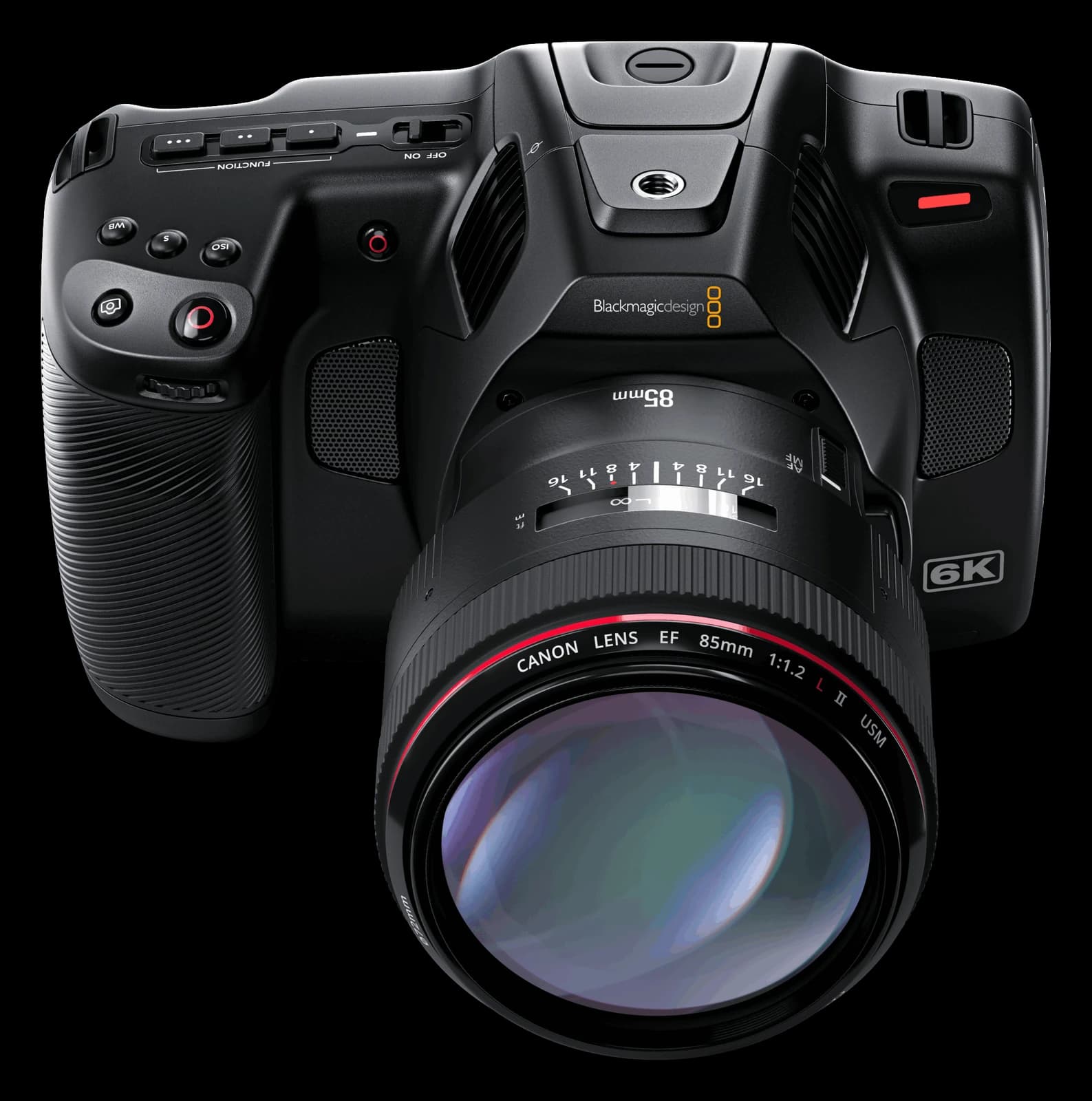
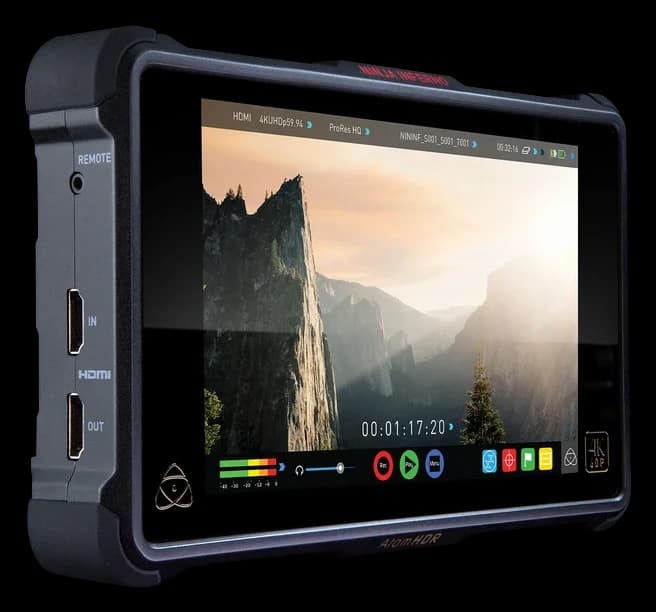
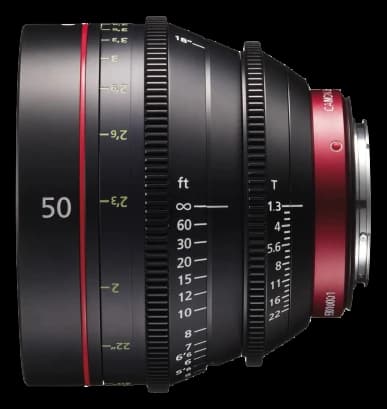
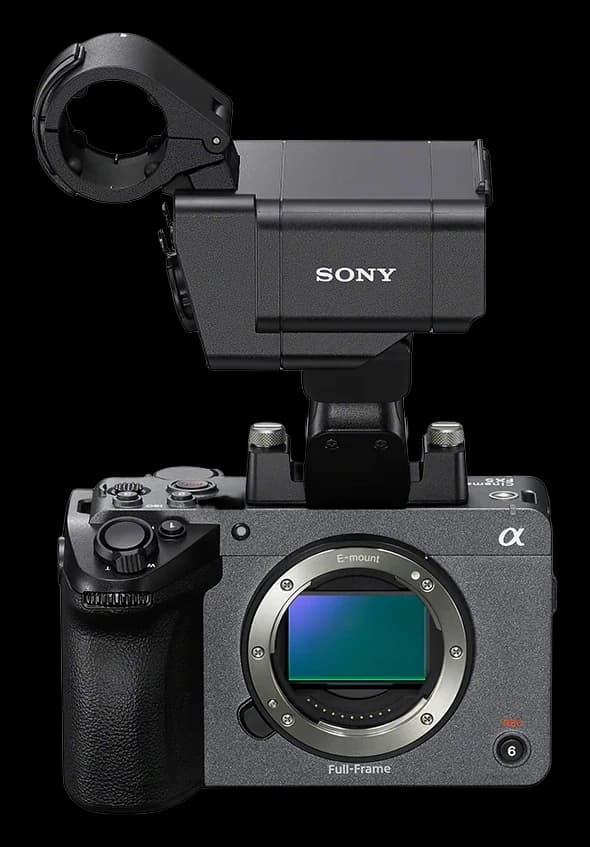
Every production team knows the moment: the shoot starts in an hour, and nobody can find the second battery plate, the 50mm is "probably with Ali", and the light that came back last week turns out to have a broken fan. None of this is bad luck. It happens when equipment lives in people's heads, in chat groups and in half-updated spreadsheets.
This guide walks through a simple system that works for a freelancer with one camera bag and for a production company with several shoots running at once.
1. Build one inventory, not several lists
The first rule is a single source of truth. Every camera, lens, light, stand, cable and battery goes into one list that the whole team can see. For each item, record:
- Name and model, written the way your crew says it (for example "Blackmagic Pocket 6K Pro").
- Category: camera, lens, lighting, audio, support, power, monitoring.
- Serial number, so you can prove ownership and handle insurance or repairs.
- A clear photo of the item as it looks today.
- A unique ID and barcode, such as GR-00124, printed on a label.
- Current status and location (shelf, kit, or the shooting order it is on).
If an item is not in the inventory, it does not exist for planning purposes. That is the habit to build.
2. Use statuses everyone understands
Four statuses cover almost every situation:
- Available: on the shelf, checked and ready to go out.
- In use: out on a shoot and linked to a responsible person.
- Reserved: held for an upcoming shoot so nobody double-books it.
- Maintenance: needs cleaning, repair or service and cannot be booked.
The value is not in the labels themselves but in keeping them current. A status that is updated at handover and at return is worth more than any amount of colour coding.
3. Plan every shoot as a shooting order
A shooting order connects the production, the dates, the crew and the exact list of gear. Building orders this way has three benefits:
- Conflicts appear early. If the same lens is already reserved for Saturday, you see it while planning, not on set.
- Responsibility is explicit. One person signs for the kit, so questions have an owner.
- History builds itself. After a few months you know which gear works hardest and which sits idle.
4. Document handover and return
Most damage disputes happen because nobody can say what condition the gear was in when it left. Take photos at handover, note anything unusual, and repeat the same check at return. Our handover and return checklist lists exactly what to check.
5. Make scanning faster than writing
Barcode labels turn a five-minute paperwork task into a few seconds of scanning with a phone. They also cut counting mistakes during stock checks. If you are deciding between barcodes, QR codes and RFID, read our comparison.
6. Treat maintenance as part of the workflow
When an item comes back with a problem, flag it as Maintenance immediately so it cannot be booked. Record what was wrong and what was done. Over time you will see patterns: the same light failing, or the same cable getting damaged on location.
7. Review a few simple reports
You do not need complex analytics. Each month, look at:
- Gear that is currently outside and when it is due back.
- Most used and least used equipment, to guide buying and selling.
- Items in maintenance and for how long.
Getting started this week
- Day 1: list every item with its serial number and a photo.
- Day 2: print and stick barcode labels.
- Day 3: create shooting orders for your next shoots.
- From then on: photograph at every handover and every return.
Gears+ was built around exactly this workflow: one inventory, shooting orders, barcode scanning, documented handovers and clear reports. You can get started and import your existing list, or ask our team how to set it up for your studio.